Report a Suspicious, Phishing or Spam Email
Received a suspicious email? Whether you think it may be phishing, spam, a scam, or simply aren't sure if it's genuine, this article explains how to report it to IT and how to stay safe while it is investigated.
👍 Received a suspicious email?
If the email is clearly spam or a phishing attempt, you should report it using the Report button in Outlook.


This allows IT and Microsoft to analyse the message and block similar emails.
See how to report emails here:
Outlook Desktop Application Video!
Outlook Web App Online Video!
🤔 If you are unsure, report it to IT
If you are not sure whether an email is legitimate, the IT team can investigate it for you.
To investigate, we need access to the email headers, which are only available when the email is attached to a ticket.
How to send the suspicious email to IT
- Open the email in Outlook
- Right-click the email
- Select Copy
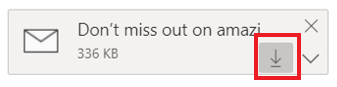
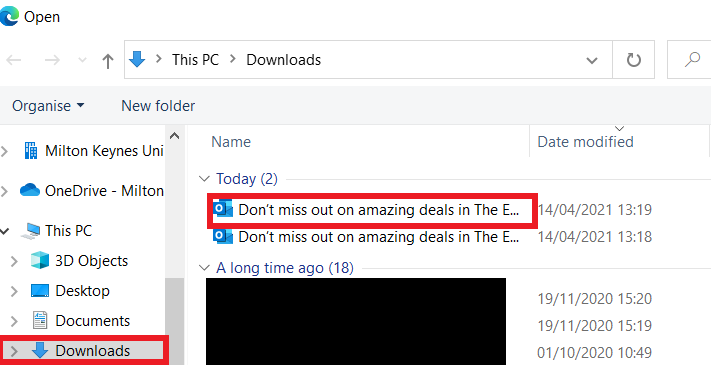
- Paste the email file into a Suspicious Email Service Request ticket Suspicious Email SR
OR
Drag and drop the email into a new email message and send it to IT.
Watch how to do this here: Drag and Drop
⚠️Important security advice
To stay safe, always follow these rules:
- Do not click links or open attachments in suspicious emails
- Do not reply to the email unless you are certain the sender is trusted
- Do not click unsubscribe links in suspicious emails
-
Replying to spam confirms your email address is active and may result in more spam
Known legitimate emails you may receive
ESR – Prod Workflow Mailer
Emails from Prod Workflow Mailer are legitimate notifications from ESR.
If you are unsure about the message, you can log into ESR directly and check the notification within the portal.

Microsoft Phishing Training Emails
You may receive a message titled:
"You have training(s) to complete"
These emails are part of phishing awareness training.
For more information about these training emails, click here